AUTORENDER AI
Visual AI in every URL.
AI operations accessible from the same path-based URL you use for delivery. No separate tools, no stitched pipelines, no new infrastructure.
BACKGROUND EXPAND
Expand the frame
AI fills the canvas to any target size without squashing the subject. Portrait to landscape, square to widescreen — serve every layout from one source image without reshooting.
- Any target aspect ratio
- AI fills new areas matching original style
- One source serves every layout
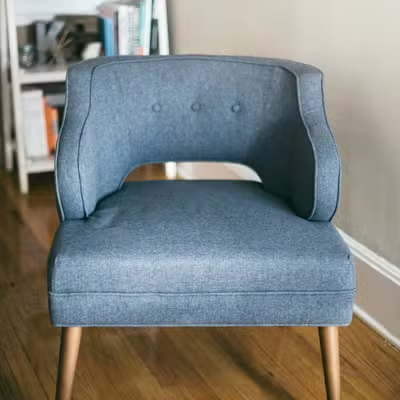
Before · portrait
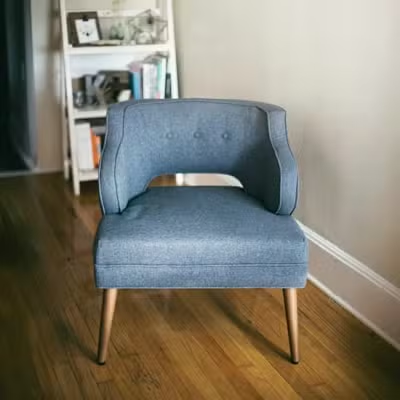
After · 16:9
BACKGROUND REPLACE
Replace the background
Describe the scene you want in the URL. The subject stays sharp while the backdrop changes entirely. Seasonal campaigns, marketplace requirements, catalog consistency — one URL call.
- Text prompt directly in the URL path
- Subject detection preserves the foreground precisely
- Consistent backgrounds across full catalog
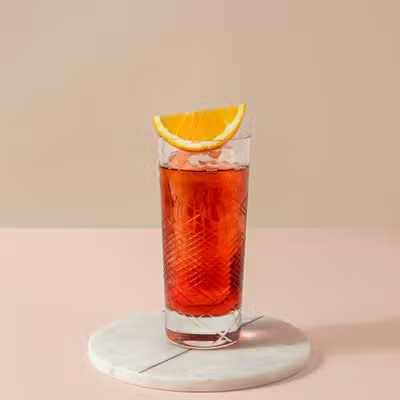
Before
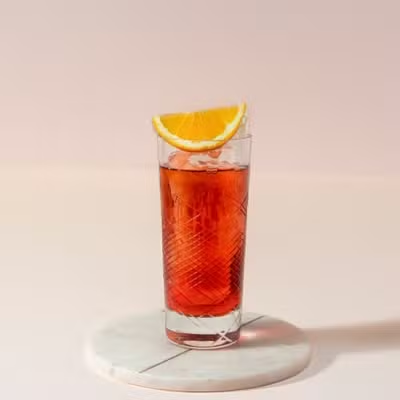
After
UPSCALE
Low-res to hero quality
Turn soft or compressed images into crisp, banner-ready assets. AI reconstructs detail rather than just stretching pixels. Supplier images and archive catalog — all upgradeable.
- Up to 4x resolution increase
- Detail reconstruction — not interpolation
- Rescues low-res supplier images for hero use
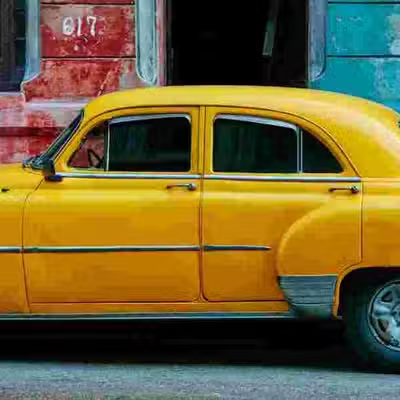
Before · 300px
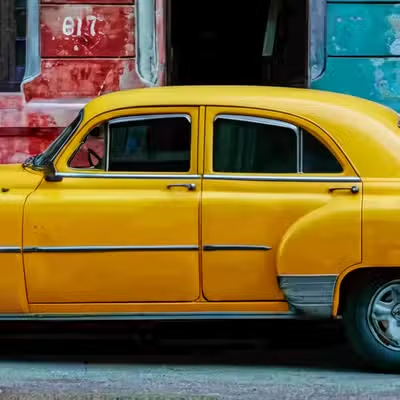
After · 2400px
TRY ON
Virtual garment try-on
Put any garment on a model without a photoshoot. Pass the model and garment — get a composited result cached and served like any other asset. Fashion catalog at scale.
- No photoshoot required per SKU
- Works with any garment — tops, bottoms, full outfits
- Result cached and CDN-delivered like any image
- Direct catalog production cost reduction
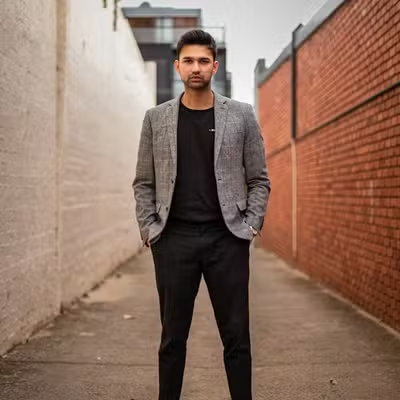
Source
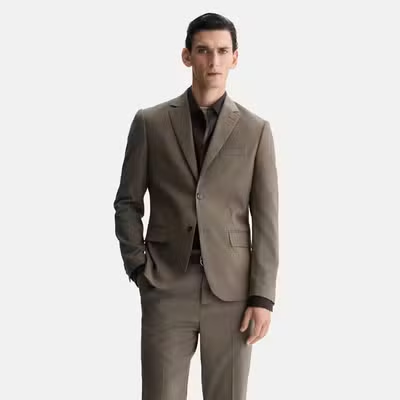
Input
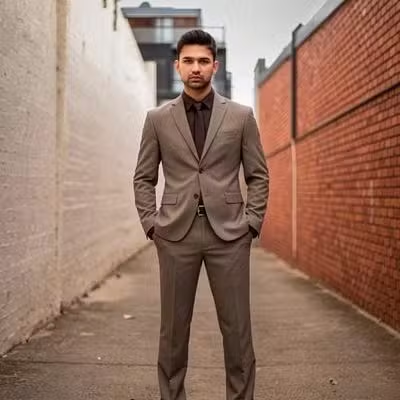
OUTPUT with gen_tryon
OBJECT REMOVE
Erase what doesn't belong
Remove people, props, or clutter from any shot. The area fills seamlessly to match the surrounding scene. No Photoshop, no retouching team, no manual masking.
- Specify the object class to remove
- Surrounding area filled seamlessly
- Watermarks, people, props, clutter

Before

After · gen_remove
IMAGE GENERATION
Generate new product scenes
Describe the image you need and get a generated output cached and served like any other asset. Lifestyle imagery, campaign scenes, product contexts — no photoshoot required.
- Text prompt in the URL path
- Deterministic — same prompt, same image
- Cached and CDN-delivered like any asset
/ai_img:house just sold/
Prompt
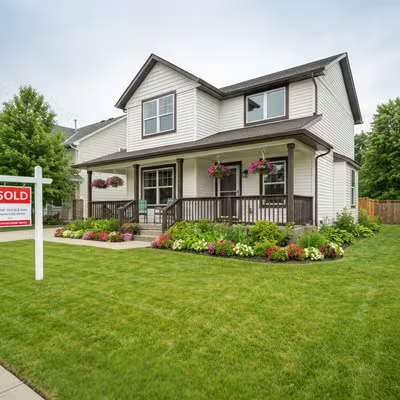
After · gen_image
OBJECT DETECTION
Intelligent crop, no masks
Detect faces or object classes and return a tight, centred crop at any size. Avatars, ID tiles, product thumbnails — all handled automatically without a single manual mask.
- Face detection for avatars and headshots
- Object classes — car, person, product, animal
- Replaces thousands of manual Photoshop crops
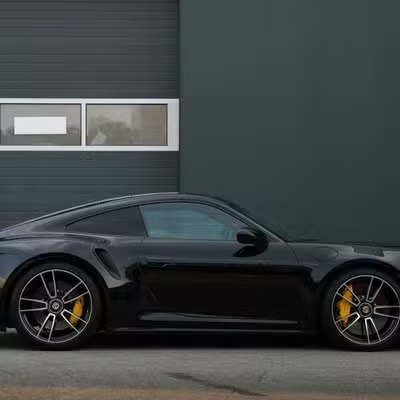
Before · loose frame
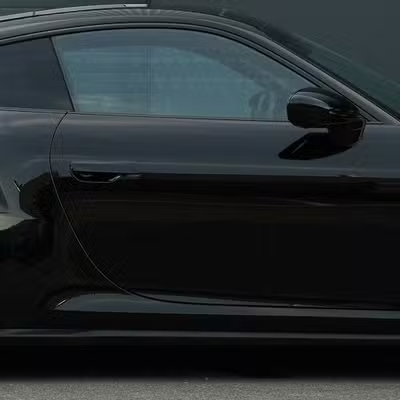
After · fo_car
FACE CROP
Tight headshots, automatically
Find the face and return a clean headshot crop for avatars, ID tiles, and profile UI — centred at the width you set, with no manual masks.
- Face-centred square or portrait crops
- Consistent avatar sizes across your product
- One URL replaces batch Photoshop exports

Before · loose frame

After · fo_face
BACKGROUND REMOVE
Strip the backdrop
Isolate the subject and return a clean cutout. Transparent PNG output or any background colour. Marketplace white background requirements handled in a single URL call.
- Transparent PNG or specify any background colour
- Amazon, Flipkart white background — one URL
- Works on products, people, objects

Before

After · gen_bgremove